
Spider-Man Font Generator
Current Design
Comparison Design
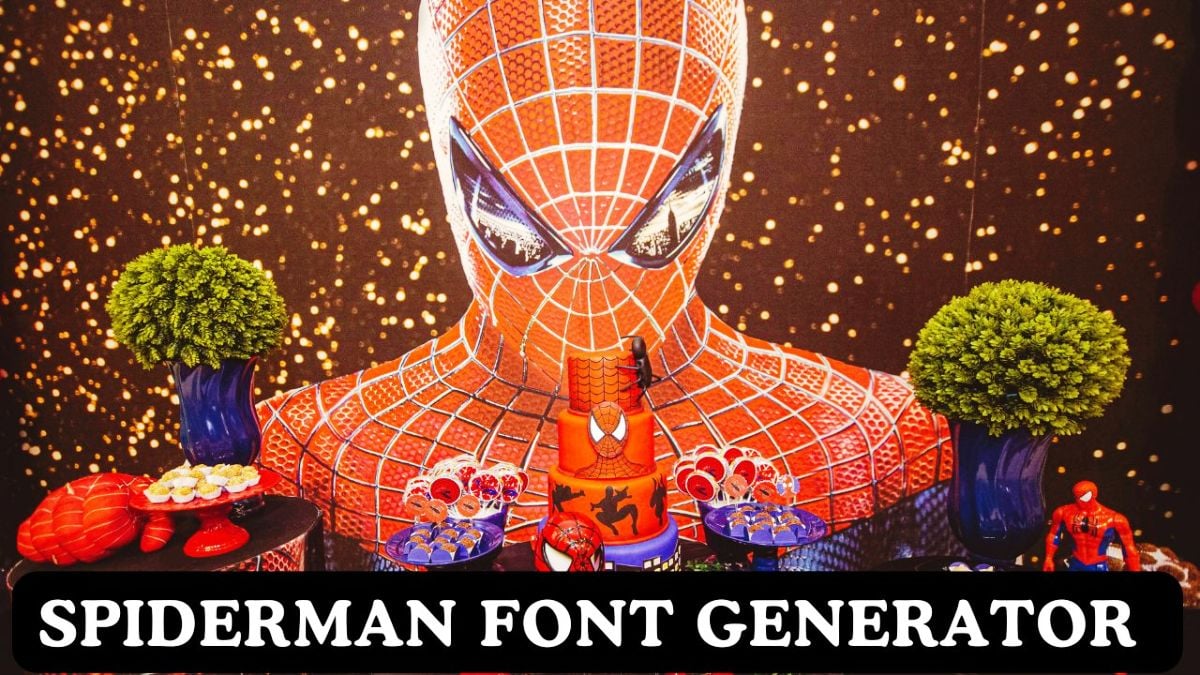
Spider-Man Font Generator
Design bold, comic-inspired headlines with this free Spider-Man font generator on Creative Aspirant. It loads two hosted TTFs—Spider and Homoarak—plus Bebas Neue, Anton, and other Google Font fallbacks, NYC-style presets, and PNG/SVG/PDF export. Not affiliated with Marvel, Sony, or Disney. “Spider-Man” and related marks are trademarks; use for personal, fan, or educational projects unless you have rights for commercial work.
Free Spider-Man–style text tool
Preview in the browser, then grab PNG (matches the active TTF), SVG, or PDF. Download each TTF for Photoshop, Canva desktop, or print.
Open Spider-Man Tool on Creative Aspirant Spider HOMOARAK.ttfHow to Use
Pick Spider or Homoarak in Font Family (or a fallback), type your title, then try a one-click preset—Classic Comic, Spider-Verse, Symbiote, and more. Tune gradients, shadows, borders, and the repeating background text layer. Copy HTML/CSS or export when the preview looks right.
Features
Two hero TTFs
Spider and Homoarak hosted on Creative Aspirant with strong Google Font fallbacks.
Comic & city presets
One-click palettes: classic newsprint, multiverse neon, symbiote night, Daily Bugle, web-slinger glow.
Live preview
Gradients, shadows, borders, patterns, zoom, and watermark-style background type for thumbnails and posters.
Copy + export
PNG, SVG, PDF, clipboard image, HTML, CSS, variables, JSON, and a React snippet.
Share + presets
Local presets, compare mode, and encoded share links.
Clear export guidance
On-page notes explain when PNG wins, when SVG is a layout reference, and how PDF substitutes fonts.
Who is this for?
Fan edits, gaming thumbnails, cosplay photo overlays, comic con banners, and school projects—anywhere you want loud display type without installing heavy design suites.
- YouTube, TikTok, and stream title cards
- Birthday and themed-party graphics
- Discord banners and profile headers
- Sticker and print mockups (verify IP before selling)
- Quick PNG assets for Slides, Docs, or Canva
Download & export notes
Match the format to your next step:
- PNG — Best match to the preview (includes the active custom TTF).
- Copy Image — Paste straight into Figma, Photoshop, or chat apps.
- SVG — Outline-friendly; install the same TTF locally for identical curves.
- PDF — Sharing-friendly; body text may substitute Helvetica-style fonts.
- TTFs — Spider, Homoarak.
- CSS / HTML — Point
@font-faceat the same files or your CDN.
Related tools on Creative Aspirant
More free font generators
Browse creativeaspirant.com for more typography tools
Display fallbacks: Bebas Neue · Anton