
Free font generators and text tools
Turn plain text into stylish fonts for bios, captions and posts, or count, convert and time your writing. No sign-up needed.
- Free to use
- No sign-in
- 60+ font generators
- Works on phone and desktop
- Bold𝗖𝗿𝗲𝗮𝘁𝗶𝘃𝗲 𝗔𝘀𝗽𝗶𝗿𝗮𝗻𝘁
- Italic𝘊𝘳𝘦𝘢𝘵𝘪𝘷𝘦 𝘈𝘴𝘱𝘪𝘳𝘢𝘯𝘵
- Fancy𝓒𝓻𝓮𝓪𝓽𝓲𝓿𝓮 𝓐𝓼𝓹𝓲𝓻𝓪𝓷𝓽
- Gothic𝕮𝖗𝖊𝖆𝖙𝖎𝖛𝖊 𝕬𝖘𝖕𝖎𝖗𝖆𝖓𝖙
- BubbleⒸⓡⓔⓐⓣⓘⓥⓔ Ⓐⓢⓟⓘⓡⓐⓝⓣ
- Typewriter𝙲𝚛𝚎𝚊𝚝𝚒𝚟𝚎 𝙰𝚜𝚙𝚒𝚛𝚊𝚗𝚝
This preview converts A to Z and 0 to 9. See all font generators
What would you like to do?
Popular font generators
Type your text on any generator and copy the result. These samples show the style each one makes.
Fancy Text Generator
Elegant script letters for bios and captions.Open generatorBold Text Generator
Heavy letters that stand out in posts.Open generatorItalic Text Generator
Slanted text for light emphasis.Open generatorCursive Font Generator
Flowing, handwriting-style letters.Open generatorGothic Font Generator
Old English blackletter style.Open generatorBubble Text Generator
Letters set inside little circles.Open generatorTypewriter Font Generator
Monospace letters with a vintage look.Open generatorDouble Struck Generator
Outlined, blackboard-style letters.Open generatorFullwidth Text Generator
Wide, evenly spaced letters.Open generatorSuperscript Generator
Tiny raised letters.Open generatorUpside Down Text Generator
Flip your text upside down.Open generatorStrikethrough Generator
Cross out text with a line.Open generator
Simple tools for your writing
Count, convert and time your text for essays, speeches, posts and more.

Word Counter
Count words and characters, with reading time.Open tool
Character Counter
Check your text against character limits.Open tool
Sentence and Paragraph Counter
Count sentences and paragraphs in any text.Open tool
Case Converter
Upper, lower, sentence and title case.Open tool
Words to Time Converter
Estimate reading and speaking time.Open tool
Speech Time Calculator
Find out how long your speech will take.Open tool
Words to Pages Converter
See how many pages a word count fills.Open tool
Reading Speed Test
Measure how fast you read, with a quick check.Open tool
Also try the Pomodoro Timer and the Invisible Text Detector and Remover.
Fresh font pages
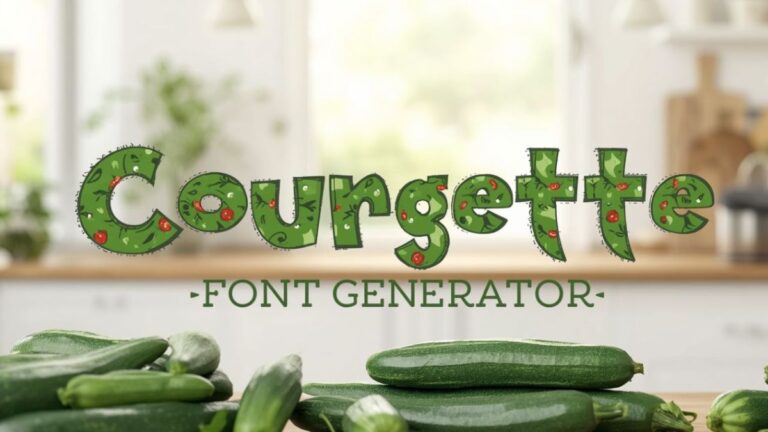
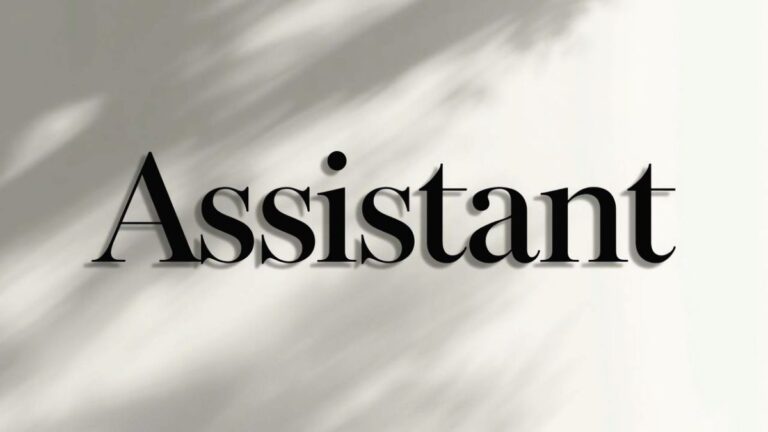
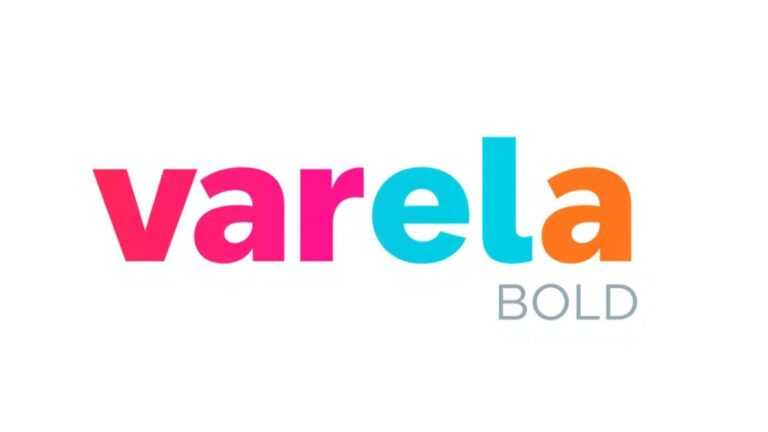
The newest font pages, with free fonts to preview and style. See all font pages



Three quick steps
Type your text
Open a generator or tool and type or paste your text.
Pick a style or result
See the styles or numbers update as you type.
Copy and use it
Copy the result and paste it into your bio, post, chat or document.
Frequently asked questions
Are the font generators and text tools free?
Yes. Everything on Creative Aspirant is free to use, and you do not need to create an account.
Why do some styles show as empty boxes?
Most styles use Unicode characters. If a phone, app or website has no font that includes them, it may show boxes or a different shape. Try another style, or paste the text into a different app.
Where can I paste the styled text?
You can paste it anywhere that accepts Unicode text, such as social media bios and captions, chats and documents. Some apps limit or display certain styles differently, and screen readers may not read styled text well.
Do accented letters and other alphabets work?
The quick preview at the top of this page converts the letters A to Z and the digits 0 to 9. Accented letters and other alphabets stay as you typed them. Each generator page explains what it supports.
Ready to style your text?
Pick a font generator, or open a text tool to check your writing. Both are free.