
Rainbow Fonts Generator
Create bold rainbow text styles for social, web, thumbnails, and branding
Current Design
Comparison Design
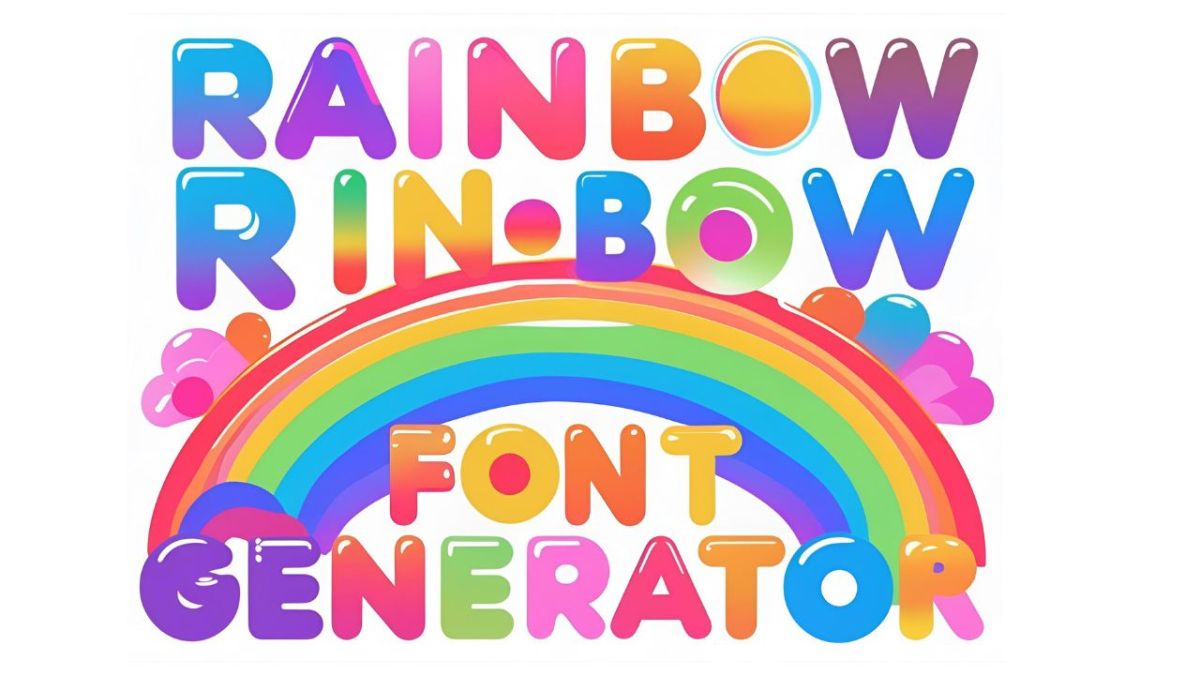
🌈 Rainbow Text Generator (Free)
Generate rainbow fonts for copy/paste, social posts, website headings, and colorful branding in seconds.
🔗 Browse Display Fonts 🔍 Search Rainbow FontsWhat Is A Rainbow Font Generator?
A rainbow font generator lets you style any text with colorful gradients, multi-color letter effects, stroke, shadow, and background controls. Instead of manually writing CSS, you can design visually rich rainbow typography with a live preview and instantly copy the code or export artwork files.
This tool is optimized for searches like rainbow text generator, rainbow font copy and paste, gradient text generator, Instagram rainbow text, and Discord rainbow text style ideas.
Top Features
🎨 Rainbow Palettes
Switch between classic, pastel, neon, sunset, ocean, and pride-inspired palettes.
🔤 Multi-Font Support
Use playful fonts like Fredoka, Baloo 2, Luckiest Guy, Bangers, Pacifico, and more.
⚡ Animated Gradient
Create moving rainbow text with adjustable speed for lively hero sections and reels.
✂️ Copy & Paste Friendly
Enable per-letter rainbow mode for colored character output that is easy to reuse.
🖼 Export Ready
Download PNG, SVG, and PDF or copy HTML, CSS, React, and JSON tokens.
📱 Social Workflow
Perfect for Instagram bios, YouTube thumbnails, Discord banners, and creator branding.
How To Use
Type your text, choose a font, enable Rainbow Gradient, pick a palette, and adjust angle/type/speed. Then customize shadow, border, and background. Finally copy CSS/HTML or export an image for direct publishing.